Text is the channel riders use when they cannot talk: on a loud platform, at work, or in a waiting room. It is also the least forgiving channel for rider information. There is no tone of voice to soften a vague answer, no screen to show a map, and a long reply gets cut into pieces. A text line also comes with rules that a phone line does not. Here is what a transit SMS service has to get right.
Make the answer fit in one text
A single SMS holds 160 characters in the standard GSM-7 character set. Longer messages are split into segments of 153 characters each. Most messaging providers bill by the segment, so a long answer costs more and is harder to read on a small screen.
The limit gets tighter than it looks. If a message contains even one character outside GSM-7, the whole message switches to a different encoding with 70 characters per segment. Emoji do this. So do curly quotes pasted from a word processor, and several accented letters common in Spanish, such as á, í, ó, and ú. Test your templates in every language you support.
A good arrival answer carries four facts and nothing else:
- The route, as riders say it.
- The direction or destination, as the bus sign shows it.
- The time, in minutes for near arrivals and clock time for later ones.
- Whether the time is a live prediction or the schedule.
For example: "Rt 12 to Downtown: 4 min, then 19 min. Main St & 5th Ave (stop 1482). Live times." That fits in one segment, and it confirms the stop so the rider can catch a mistake.
Accept stop numbers and stop names
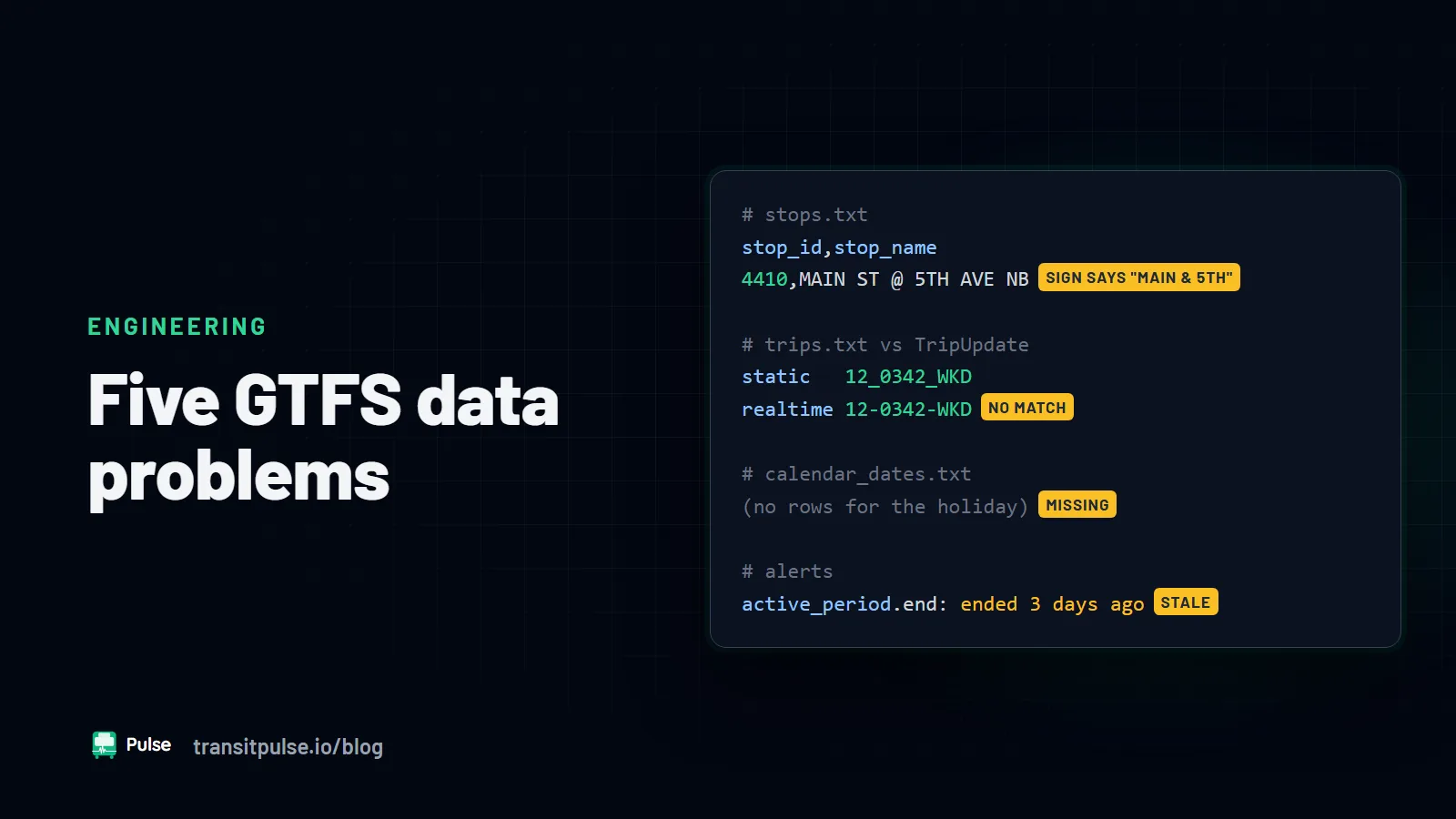
Many riders text the number printed on the stop sign. In GTFS, that number should be the stop_code in stops.txt. It is not always the same as the stop_id, which is an internal key. If your text service looks up the wrong field, riders who type the number on the pole get "stop not found".
Other riders type a name: "main and 5th", "transit center", or "the hospital". Your service should accept both. When it matches a name, it should repeat the full stop name and number in the reply. The rider then learns the number for next time. If the stop names in your feed do not match what riders say, fix the feed. We cover that and four other feed problems in Five GTFS Data Problems That Confuse Riders and AI Agents.
Handle vague questions with one short question back
Texts are often vague. "22?" "Is the bus late" "next bus downtown". A service that replies "I didn't understand" teaches riders to stop texting.
- Ask one question, not three. If the route is clear but the stop is not, ask for the stop only.
- Offer choices when there are few. "Which stop? Reply 1 for Main & 5th northbound, 2 for Main & 5th southbound."
- Keep context inside a conversation. If the rider asked about the 22 a minute ago, "what about the next one" should still mean the 22 at that stop.
- Say what is possible. If the service cannot answer something, say what it can do and where the rider can go instead.
Get opt-in, STOP, and HELP right
When a rider texts your number first, they expect a reply to that message. That is different from signing them up for ongoing alerts. Keep the two separate. Send replies to questions the rider asked, and send alerts only to riders who clearly asked for alerts.
Carriers and messaging providers expect every business text program to support these keywords:
- STOP. The rider is opted out. Send one confirmation and then nothing more. Also honor common variants such as END, CANCEL, UNSUBSCRIBE, and QUIT.
- HELP. Reply with the agency name, what the service does, and how to reach a person.
- START. Let a rider who opted out opt back in.
Keep a record of each opt-in and opt-out with a timestamp. The CTIA Messaging Principles and Best Practices describe what carriers expect of business senders. Your messaging provider can explain how they apply to your program. Your agency's counsel should review the consent language.
Register before you launch
In the US, carriers require businesses and public agencies to register text traffic before it will be delivered reliably. The path depends on the number type.
- Local 10-digit numbers (10DLC) need a brand registration for the agency and a campaign registration that describes the use case.
- Toll-free numbers go through a separate toll-free verification process.
Both processes ask for similar things: who is sending, what the messages are for, sample messages, and how riders opt in. Carriers may filter or block unregistered or mismatched traffic. The description you register must match what you actually send. Registration can take a while, so start it early in the project, not the week before launch.
Know when to hand off to a person
An automated text service should answer arrival, route, and stop questions. It should hand off other messages quickly, and it should say that it is doing so.
- Complaints about an operator, a pass-up, or a safety problem.
- Anything about an injury, an emergency, or a threat. Point the rider to 911 or your security line right away.
- Paratransit trips, ADA requests, and reasonable modification requests.
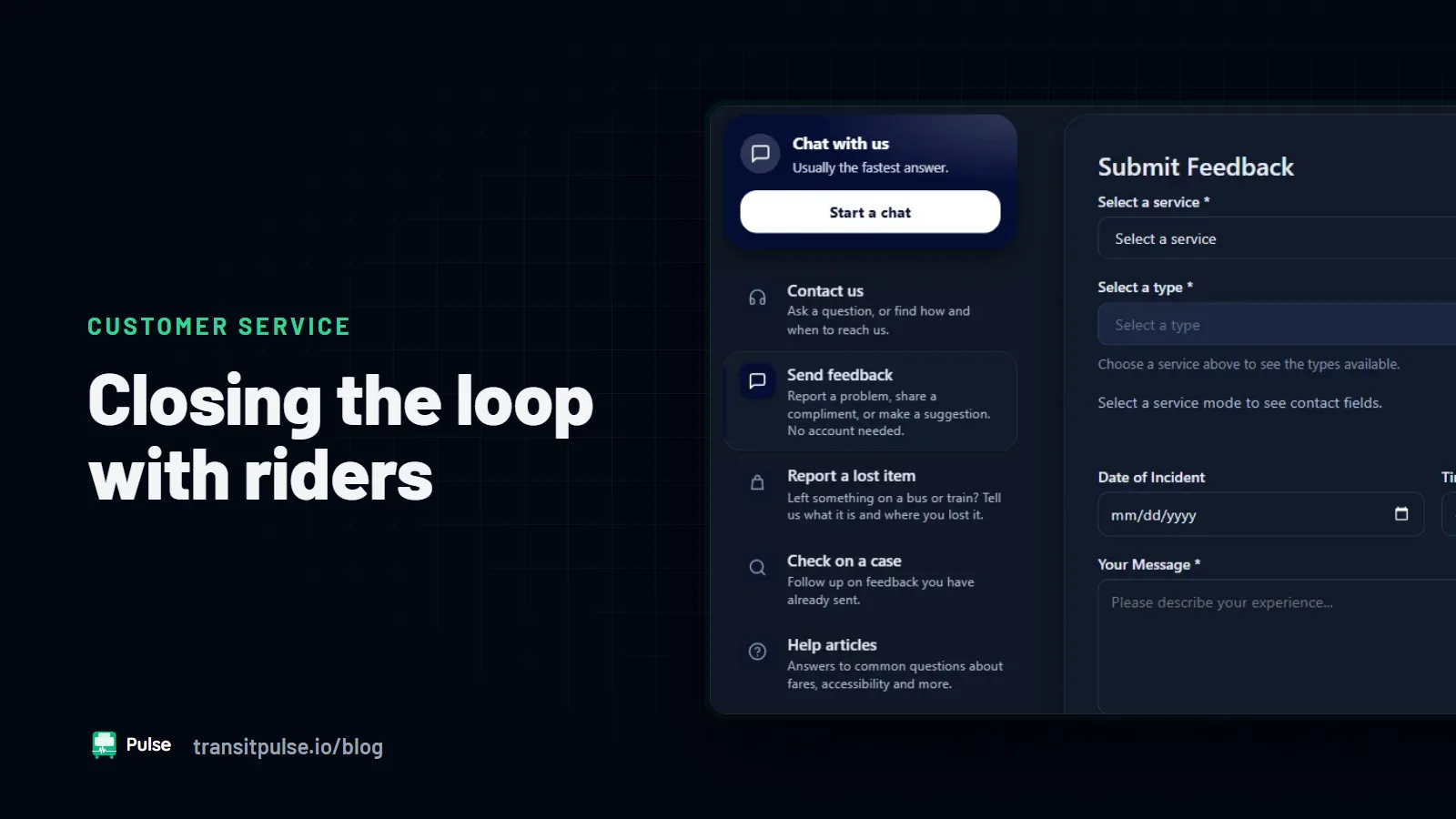
- Lost items.
- A rider who asks for a person, or who is clearly frustrated after two tries.
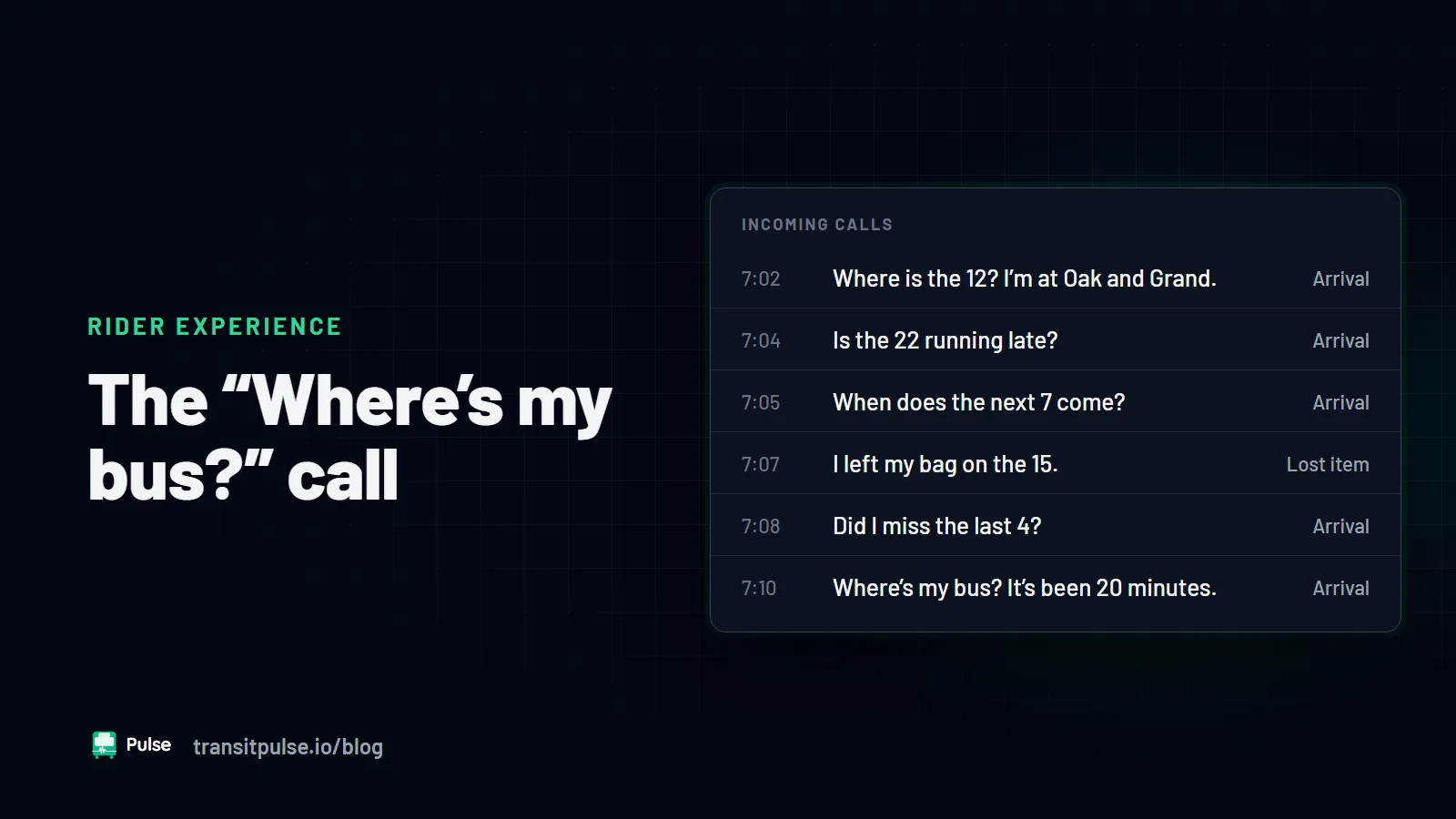
A good handoff tells the rider what happens next: "We sent this to our customer service team. You will get a reply by text within one business day." Then the agency has to keep that promise. If it cannot, give a phone number and hours instead. Your call takers can tell you which questions riders bring most often. See What Your Calltakers Want You to Know About "Where's My Bus?" Calls.
Pulse RideInfo by text
Pulse RideInfo answers rider texts, calls, and web chats from the same GTFS and GTFS-RT data, so every channel gives the same arrival time. It sends anything that needs a person to Pulse Feedback. Read more on the Pulse RideInfo page.