When an AI voice agent answers "when is my bus coming?", the answer is only as good as the data behind it. For most US agencies, that data already exists: a static GTFS feed and one or more GTFS-RT feeds. This post walks through how a voice agent reads those feeds, turns them into a spoken answer, and where the process can go wrong. It is written for the people who maintain the feeds.
What each feed contributes
Static GTFS is the published schedule. It is a zip of text files, and a voice agent leans on a handful of them:
- stops.txt gives each stop a stop_id, a name, a location, and often a rider-facing stop_code.
- routes.txt gives short and long route names, which is what riders say out loud.
- trips.txt ties each trip to a route, a service calendar, a direction, and a headsign.
- stop_times.txt lists the scheduled arrival at every stop on every trip.
- calendar.txt and calendar_dates.txt say which service runs on which day, including holidays.
GTFS-RT describes what is happening now. It is a Protocol Buffers format, and each feed message carries a header with a timestamp plus a list of entities. There are three entity types, and most agencies publish each in its own feed:
- Trip updates carry predictions. Each one names a trip and gives arrival or departure times, or delays, for upcoming stops. It can also mark a stop as skipped or a trip as canceled.
- Vehicle positions give each vehicle's location, the trip it is serving, and its status relative to the next stop.
- Service alerts describe detours, closures, and other disruptions. Each alert names the routes, stops, or trips it affects and the period when it is active.
Static GTFS tells the agent what should happen. GTFS-RT tells it what is happening. A good answer needs both.
One call, start to finish
Here is a single question traced through the data.
- The rider asks. "When's the next 22 coming to Main and 5th?"
- The agent pulls out the parts. Route: 22. Place: Main and 5th. Intent: next arrival.
- The agent resolves the route. It matches "22" against route_short_name in routes.txt and gets a route_id.
- The agent resolves the stop. "Main and 5th" may match several rows in stops.txt, one for each direction or corner. The agent narrows the list to stops the 22 serves. If two remain, it asks the rider which direction.
- The agent finds candidate trips. From trips.txt and the calendar files, it finds 22 trips that run today and serve that stop.
- The agent applies real time. It looks for trip updates on those trips. Where the feed gives a time or delay for the stop, it uses it. Where the feed has an update for an earlier stop only, the GTFS-RT spec says that delay carries forward to later stops.
- The agent checks alerts. It looks for active alerts that name the route or the stop.
- The agent answers. "The next 22 toward Downtown arrives in about four minutes. It is running on a detour on Oak Street."
The rider hears one sentence. Behind it are joins across five static files and two real-time feeds.
Why the standard feeds matter
A voice agent could, in theory, scrape your website or tap your CAD/AVL system directly. The published feeds are a better source for three reasons.
- They are yours. The agency publishes them and controls them. There is no second copy of the schedule to drift out of date.
- They are standard. The same parsing works for every agency that follows the spec. Setup is configuration, not custom code.
- Every channel agrees. Your app, your signs, trip planners, and the phone line all read the same data. A rider who checks two of them hears the same time.
Where it goes wrong
Most wrong answers on the phone trace back to one of these cases. A voice agent should handle each one on purpose.
A stale feed
If the real-time feed stops updating, its last predictions still look valid. The header timestamp shows the problem. The GTFS Realtime Best Practices say trip update and vehicle position data should not be older than 90 seconds. An agent should check the timestamp before it quotes a prediction. When the data is old, it should give the scheduled time and say plainly that it is the schedule.
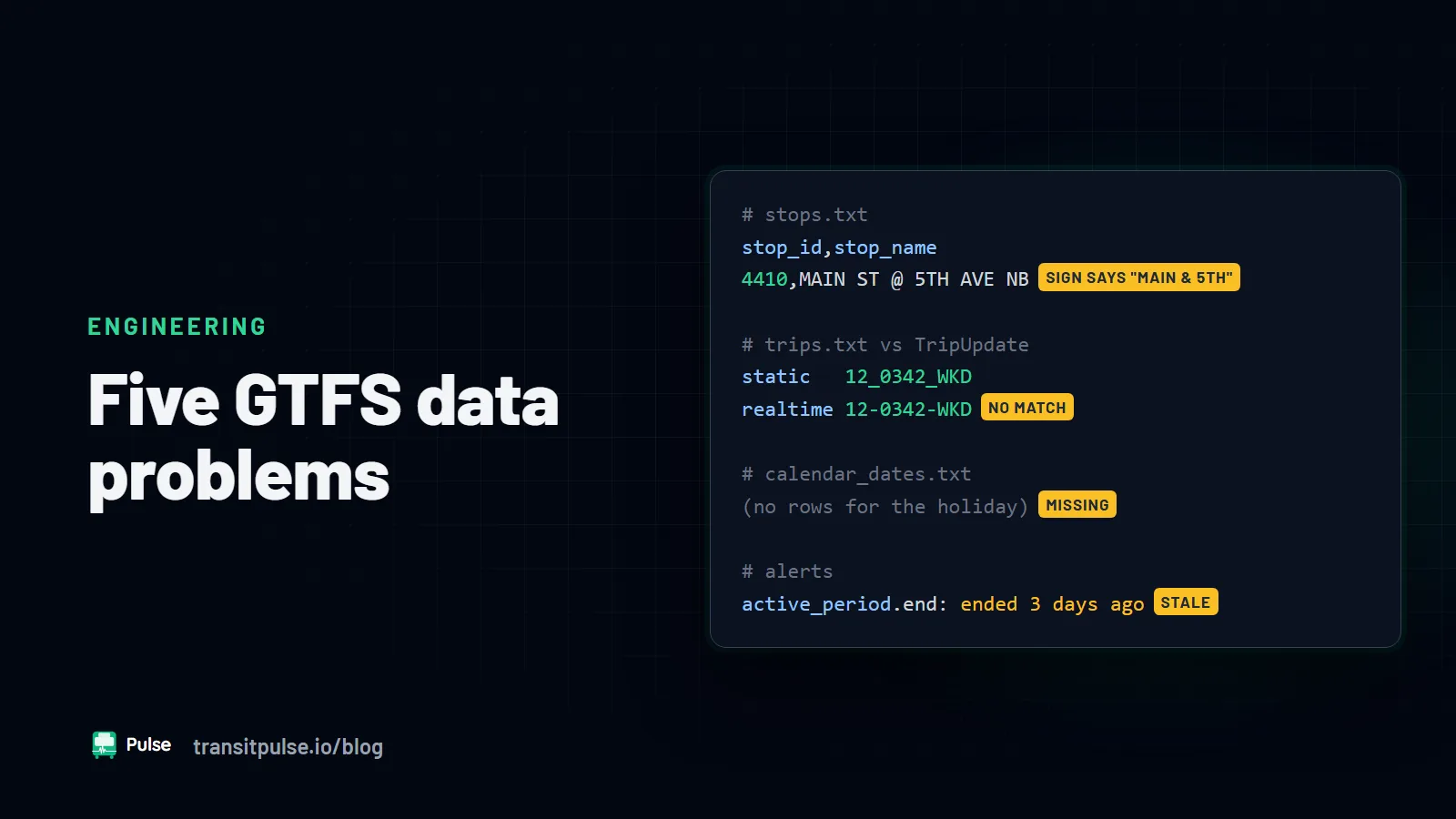
Trips that do not match
A trip update is only useful if its trip_id exists in the static feed for today. If the two feeds come from different exports, the IDs may not line up. The agent then has predictions it cannot attach to a stop. We cover this and other data issues in Five GTFS Data Problems That Confuse Riders and AI Agents.
Ambiguous stops and routes
An intersection can have four stops. A route number can have lettered branches. The agent should narrow the choices with the data it has, then ask one short question. Guessing wrong sends a rider to the wrong side of the street.
Canceled trips and skipped stops
Trip updates can mark a trip canceled or a stop skipped. An agent that ignores those flags will quote an arrival for a bus that will not come. It should skip to the next trip that will serve the stop.
Alerts written for a screen
Alert text is often written for a sign or an app. Abbreviations like "NB" or "Blvd" sound wrong when read aloud. The GTFS-RT spec includes optional tts_header_text and tts_description_text fields for text-to-speech versions of an alert. If you fill them in, any voice system can use them.
What your agency needs in place
- A valid static GTFS feed that covers the current service period.
- A GTFS-RT trip updates feed. This is what makes an arrival time "real time".
- A service alerts feed that staff actually update during disruptions.
- Vehicle positions help with some questions, but trip updates carry most of the load for arrival times.
- Someone who knows where the feeds are hosted and who to call when one stops updating.
Run your feeds through the MobilityData validators for static GTFS and GTFS-RT. They catch many of the problems above before a rider hears them. For the bigger picture on voice agents, see The Next Generation of IVRs? A Transit Agency's Guide to AI Voice Agents.
How Pulse RideInfo uses your feeds
Pulse RideInfo reads your GTFS and GTFS-RT feeds to answer rider calls, texts, and web chats about arrivals, routes, stops, and service alerts. Our team configures it for your routes and stops during setup. Each call record keeps the transcript and the arrival data used for the answer, so staff can check what a rider was told. Learn more on the Pulse RideInfo page.