Most agencies do not replace an IVR because of one bad day. The decision builds from many small problems. Then someone in a budget meeting asks whether the agency still needs the phone menu at all.
The five signs below are the ones we saw most often inside agency call centers. Each sign comes with a way to check it, using records your agency already keeps. None of the checks needs a consultant.
Sign 1: Your calltakers answer the same few questions all day
Listen to a shift and you will hear the same questions again and again:
- "Where is my bus?"
- "When does the 14 stop running tonight?"
- "Is the 22 on detour?"
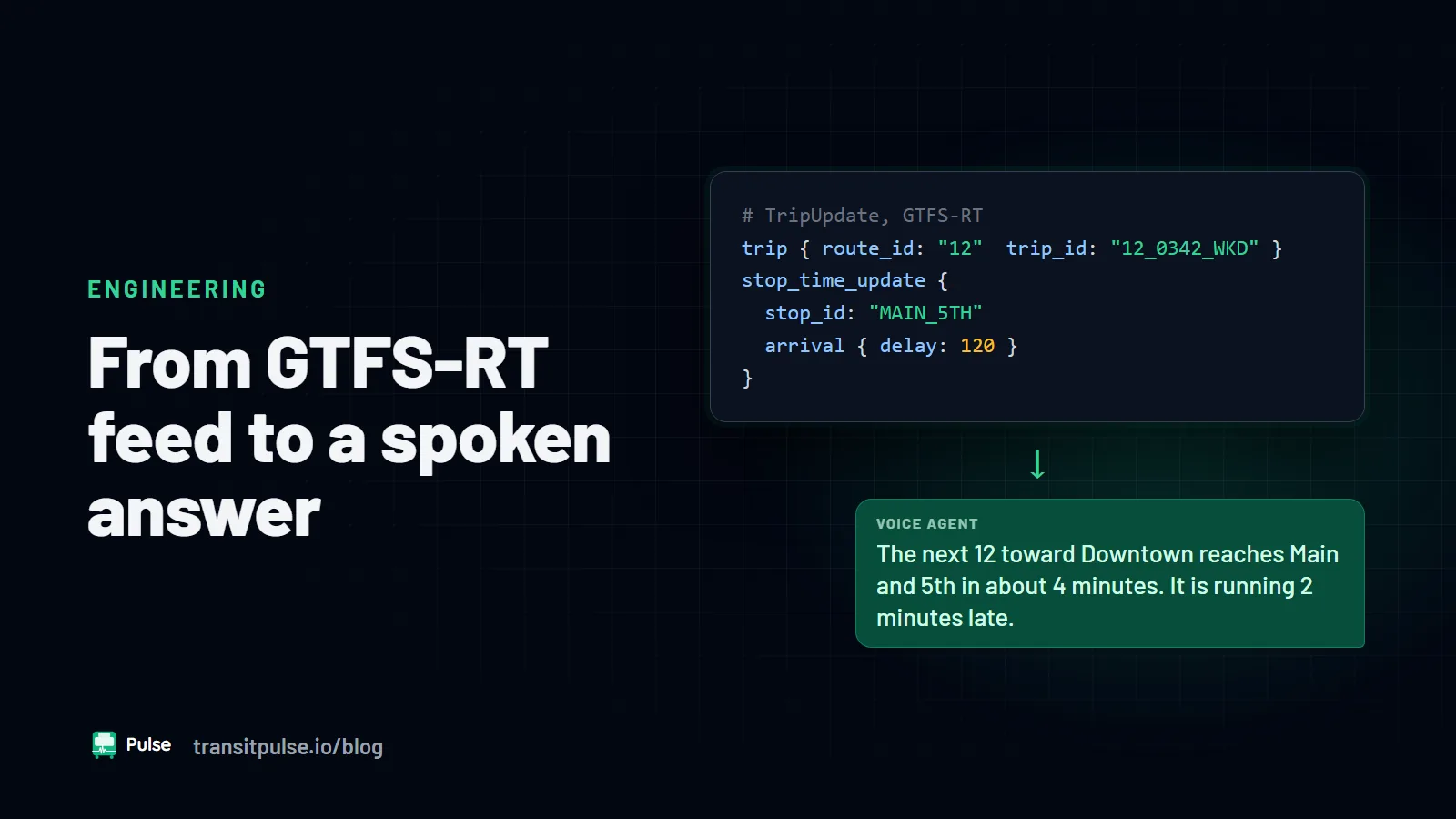
These questions have short, factual answers. The answers already sit in your GTFS and GTFS-RT feeds. When a person must read those answers aloud on every call, the IVR is not doing its main job.
How to check: Pull one week of call reasons from your wrap codes or call notes. Sort them into arrival times, schedules, detours, and everything else. If the first three groups make up a large share, the menu is sending simple questions to people.
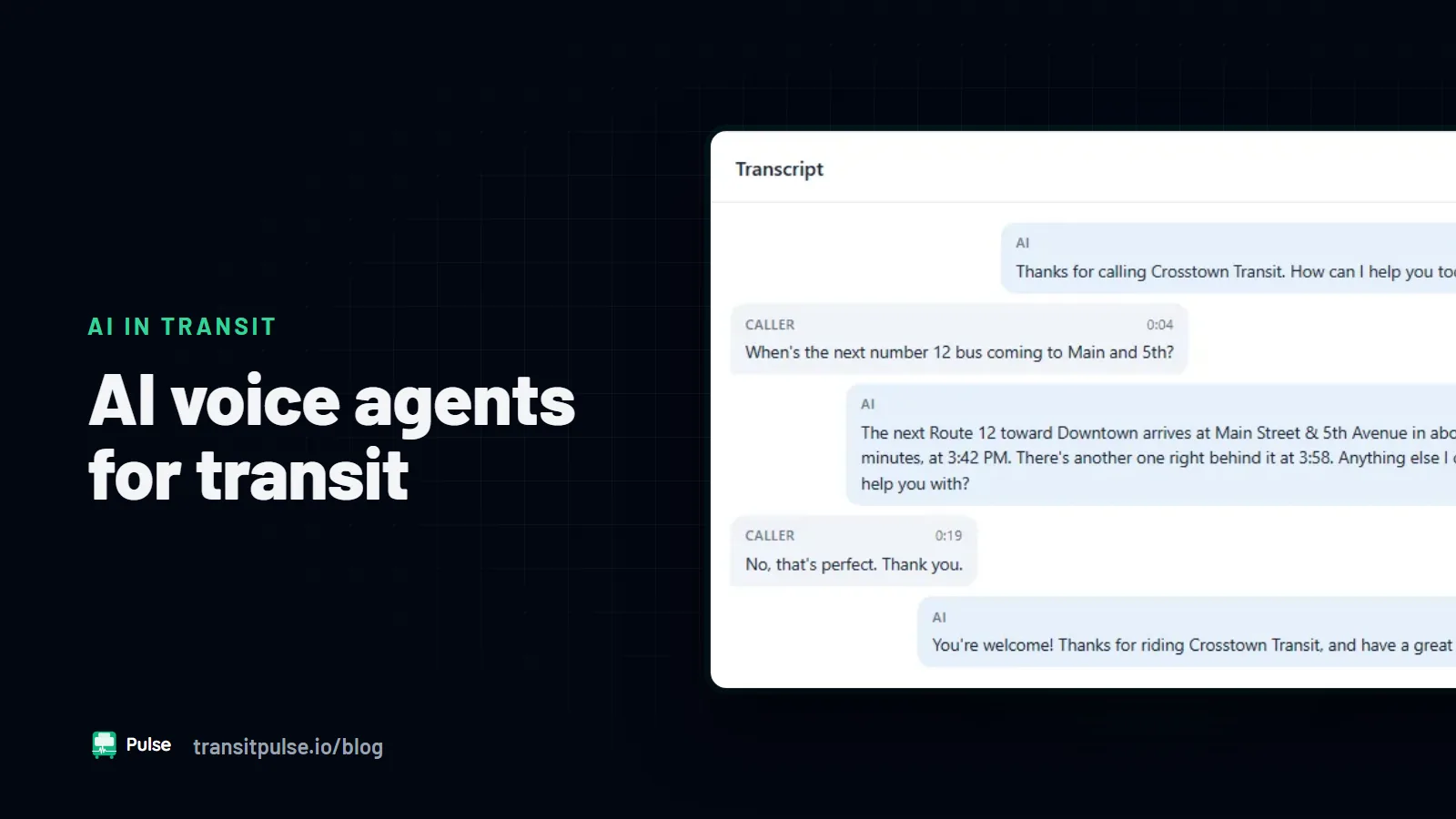
What helps: A voice agent that reads your GTFS-RT feed can answer these questions from start to finish. Your calltakers then get fewer of them.
Sign 2: Your recorded prompts are out of date
A route number changed at the last service change, and the prompt still uses the old one. The holiday message is from last season. Nobody remembers how to use the vendor's recording tool, and nobody has time to learn it.
Every outdated prompt gives a rider wrong information. Some of those riders then call back to ask a person, which doubles the work.
How to check: Call your own number from an outside phone. Go through every branch of the menu and write down each prompt that is wrong or old. Include the holiday, weather, and after-hours messages.
What helps: A system that reads its answers from your GTFS feed changes when the feed changes. Your schedule data becomes the one source for the phone answers. This only works if your team keeps the feed current, which it already does for trip planners.
Sign 3: Riders press 0 right away
When most callers press 0 or say "representative" at the first prompt, the menu is not working. Riders have learned that the menu does not have their answer. They skip it to save time, and they wait on hold instead.
How to check: Many phone systems log the menu option each caller chooses. Look at how many callers choose the operator option at the first prompt. Also look at how many hang up inside the menu.
What helps: A conversational system lets riders ask the question in their own words. There is no menu to skip. A rider who asks for a person should still reach one with no extra steps.
Sign 4: After-hours calls go to voicemail
Buses run early in the morning, late at night, and on weekends. Rider questions come at those hours too. Your customer service office may close at 5:00 PM while service runs past midnight. Riders then lose help when they may need it most.
How to check: Look at call attempts by hour, including calls that arrived after closing. Put that next to your span of service. The gap between the two shows the hours where riders get nothing.
What helps: An AI voice agent can answer arrival and schedule questions 24/7 without an overnight shift. Calls that need a person can be taken as a message and followed up the next business day.
Sign 5: Service alerts live in systems that do not share
Dispatch knows about the detour. The communications team has posted it online. The IVR still plays the normal message. Callers hear nothing about the detour, and calltakers learn about it from the callers.
How to check: Pick the last three detours or major delays. For each one, find when each channel carried the alert: the website, the app, social media, and the phone system. The phone system is often last, and sometimes it never carries the alert.
What helps: A voice agent can read service alerts from the same GTFS-RT feed as your app and website. Riders then hear the same thing on every channel. Your team posts the alert once.
What the five signs have in common
Each sign comes from the same root cause. A traditional IVR was built to route calls, not to answer questions from live data. You can fix each sign alone. You can re-record prompts, extend office hours, and add staff at peak times. Each of those fixes costs money and staff time every year.
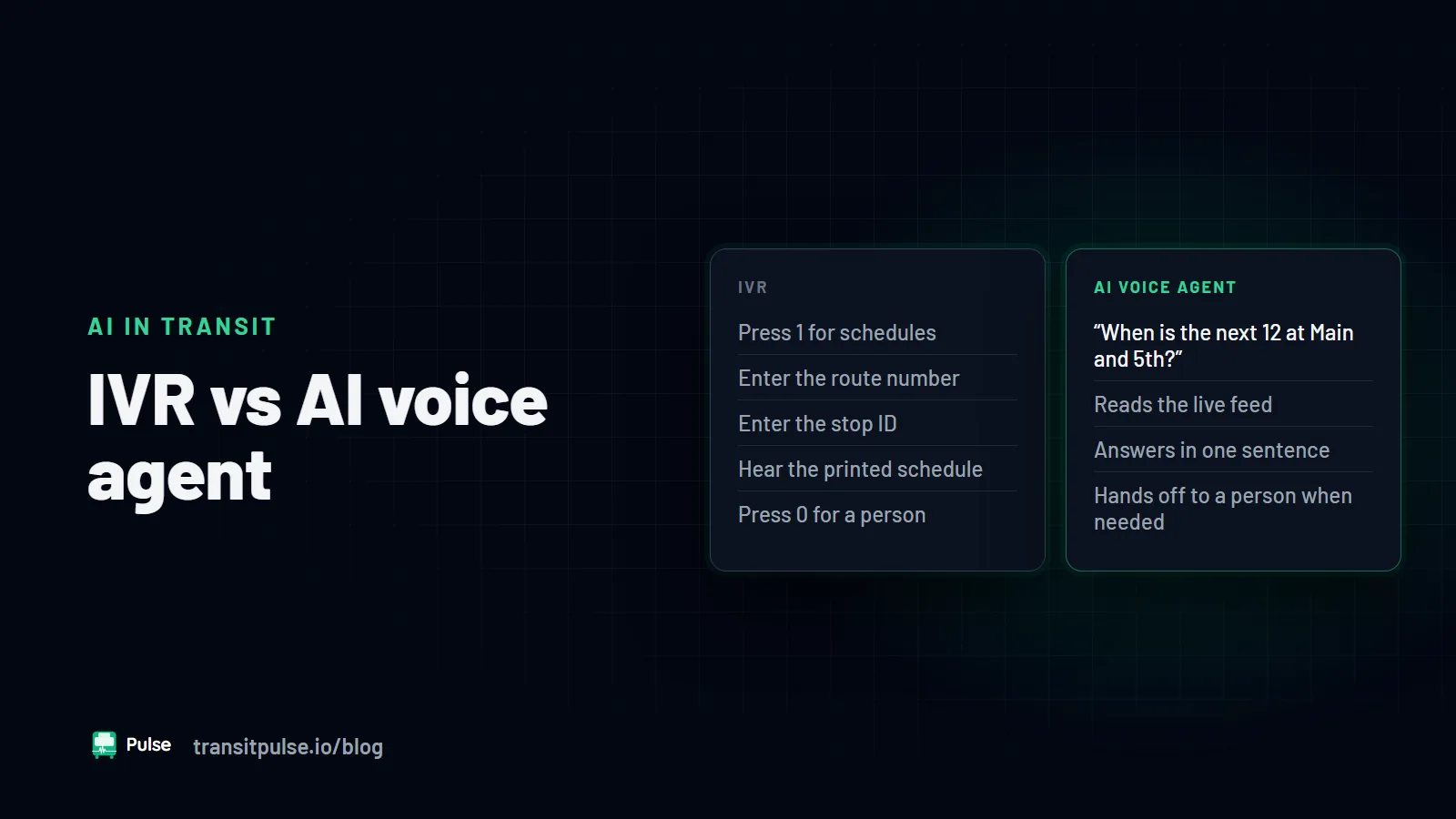
A system that reads your feeds addresses several signs at once. The article The Next Generation of IVRs? A Transit Agency's Guide to AI Voice Agents explains what that kind of system does. For a fair comparison of the two approaches, read IVR vs AI Voice Agent: What Transit Agencies Need to Know.
Where to start
You do not need to fix all five signs at once. Start with the checks. Call your own number, pull a week of call reasons, and compare after-hours calls with your span of service. Those three steps take little time and show where riders get stuck.
If one or two signs apply, a small fix may be enough. If four or five apply, the problem is the design of the IVR, not its settings.
Pulse RideInfo answers rider calls, texts, and web chats from your GTFS and GTFS-RT feeds, 24/7. It works as a standalone voice agent or as a replacement for your legacy IVR. Riders call the number they already know.