A response-time goal does two jobs. It tells riders when they will hear back. It also tells staff how much work the team has to finish each day. Many agencies set the goal for the first job and forget the second. The result is a published promise that the team misses every week, and a report that nobody trusts.
This post covers how to set goals for rider feedback that match the work and the staff you have.
Separate "acknowledge" from "resolve"
These are two different clocks, and each one needs its own target.
- Acknowledge means the rider knows a person received the feedback. The acknowledgment gives a reference number and says what happens next. It does not answer the complaint.
- Resolve means the agency finished its work and told the rider the outcome. For a complaint, that can mean an investigation and a response letter. For an inquiry, it means an accurate answer.
An automatic email can meet a pure acknowledgment target in seconds. That is useful, but it proves little. A better acknowledgment target measures when a person reviewed the case and assigned it. That is the moment the work actually starts.
Keep the two measures apart in every report. A combined "response time" hides the problem. Fast acknowledgments can make slow resolutions look acceptable.
Set different targets for different categories
One target for all feedback does not work. An inquiry about a fare rule can close the same day. A complaint that needs onboard video and an operator interview cannot. A single target is either too loose for inquiries or impossible for investigations.
Group your categories by the work they need:
- Inquiries that staff can answer from published information.
- Commendations that staff route to an operator and a supervisor.
- Standard complaints that need a check of records but no interview.
- Complaints that need an investigation, such as operator conduct or a safety concern.
- Title VI and ADA complaints, which follow the procedure your civil rights officer sets.
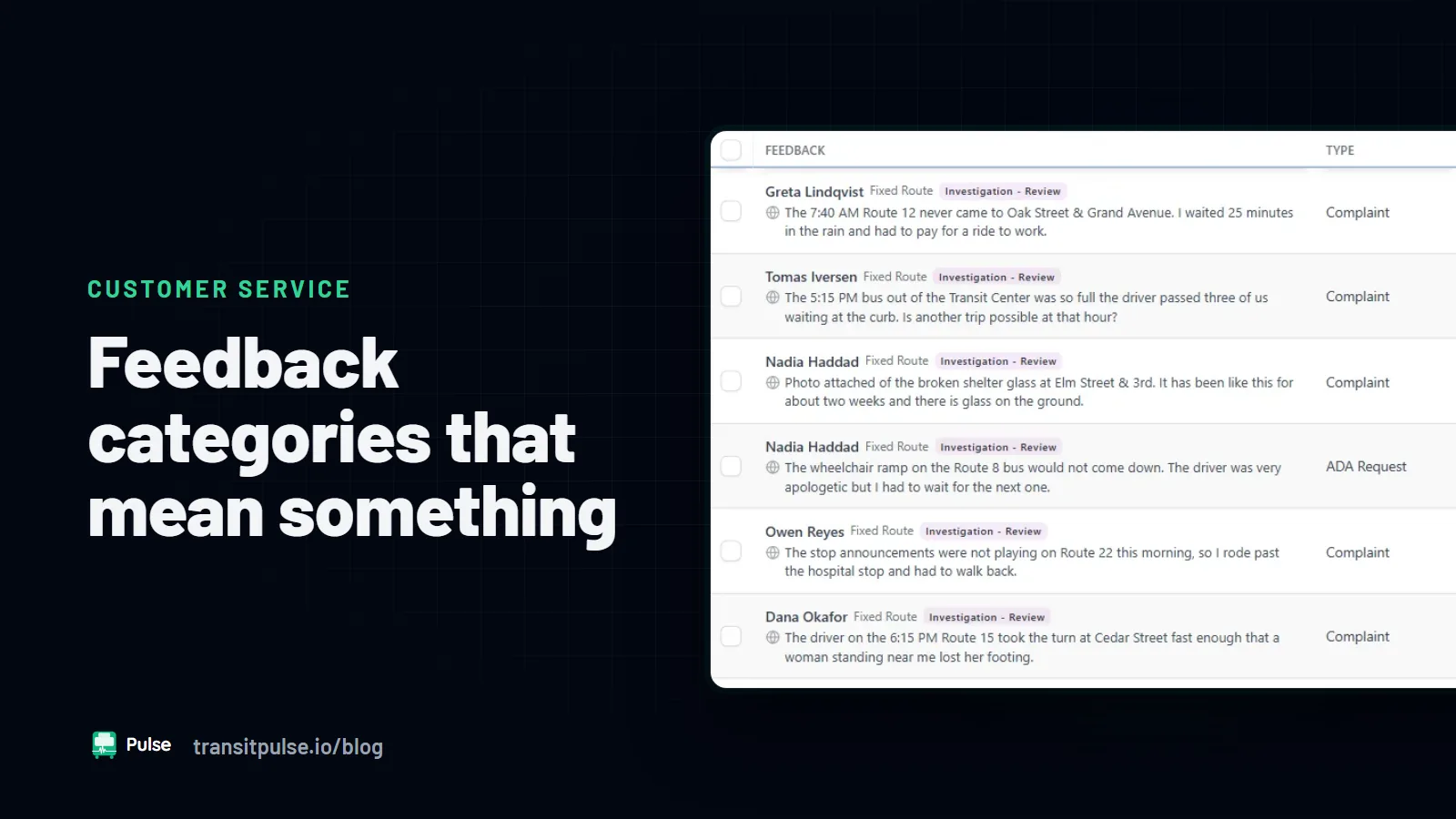
Give each group its own acknowledge target and its own resolve target. This only works if the category list is clean. If half of the complaints sit in "General," fix the list first. See Complaint, Commendation, Inquiry: Feedback Categories That Mean Something.
Here is an example of the format. It is an example only, not a benchmark or a recommendation:
Example: Acknowledge every submission within one business day. Resolve inquiries within three business days. Resolve standard complaints within ten business days. Resolve investigations within the time your procedure sets.
Your numbers should come from your own volume and staffing, as the next section explains.
Set goals that your staffing can support
A target is also a staffing plan. Before you publish one, check it against the team you have.
- Count the volume. Pull a few months of feedback by category group. Note the weekly average and the busiest weeks, such as after a service change.
- Estimate the handling time. Ask staff how long each group takes, from first read to close. Time a sample of cases if you can.
- Count the real hours. Start with the hours staff spend on feedback, not their total hours. Remove phone shifts, meetings, training, and leave.
- Compare the two. If the work needs more hours than the team has, the backlog grows every week. No target fixes that.
- Include the other departments. Many complaints wait on a garage supervisor or on a video request. Their capacity is part of your resolve time. Agree on their share of the work before you publish the target.
Start with targets that the team meets most of the time. Tighten them after the process runs well. A goal that staff meet builds trust. A goal that staff always miss teaches everyone to ignore it.
Decide when the clock starts and stops
Write down the clock rules before the first report. Otherwise, each supervisor counts a different way.
- Does the clock start when the rider submits, or when the agency opens for business?
- Do you count business days or calendar days?
- Does the clock pause while the agency waits for the rider to send more details?
- Does a reopened case restart the clock, or continue the old one?
Any of these answers can work. The rule matters more than the choice, as long as everyone applies it the same way.
Track aging cases, not only averages
An average resolution time can look healthy while a few cases sit open for months. Those old cases are often the hardest ones. Track case age directly.
- Group open cases by age, such as under a week, one to two weeks, and older.
- Review the oldest cases by name in each team meeting.
- Record why each old case is still open, such as waiting on video or waiting on a statement.
When a case misses its target, tell the rider. A short update with a new date is better than silence. Riders who hear nothing stop writing in. We cover that in Closing the Loop: Why Riders Stop Sending Feedback.
What a supervisor dashboard should show
A supervisor needs to act on the dashboard, not only read it. These views help most:
- Cases at risk. Open cases that will miss their target soon, while there is still time to act.
- Cases past target. Each overdue case, with its owner and its age.
- Stalled work. Cases that wait on another person, with that person's name.
- Open cases by age. The age groups from the section above, by category group.
- Work in and work out. New cases and closed cases each week. If new cases stay higher, the backlog is growing.
- On-time rate by category group. Acknowledge and resolve shown separately.
Where Pulse Feedback fits
Pulse Feedback lets agencies set response and resolution targets. Every submission gets an owner and a deadline when it arrives. Pulse Feedback flags cases at risk of missing a target before the deadline. The supervisor workspace shows stalled investigations and who is holding them up. The SLA dashboard shows on-time, at-risk, and violation counts, and adherence reporting is ready when the board asks.
To see the SLA dashboard, visit the Pulse Feedback page or contact us.